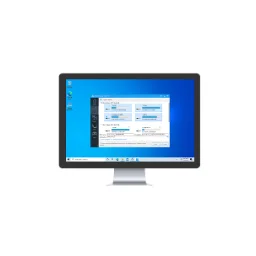
Arq Backup 7.49.0.0 (Windows)
Arq Backup saves encrypted file versions from Windows or macOS on your own storage or supported cloud destination.

Keep a backup of important files or synchronise folders across devices. Know the difference: synchronisation can propagate a deletion, while a versioned backup can help you restore an earlier copy. Choose a destination with enough space and always try restoring a file. That way, you know your setup works.
71 downloads found
Arq Backup saves encrypted file versions from Windows or macOS on your own storage or supported cloud destination.
You automatically create an online backup of supported files on your computer and connected drives.
You copy or synchronize files between folders, computers and supported storage services with configurable tasks.
Duplicity allows you to create encrypted full and incremental backups to local or external storage via the command line.
Google Drive for desktop opens your Drive files from your computer.
With OneDrive, sync files between your computer and your Microsoft account.
With Hasleo Backup Suite Free you create backups of Windows, drives and files and prepare your recovery from USB.
Iperius Backup Free allows you to create scheduled backups of files to external drives, network folders or a NAS.
With Clonezilla Live you can create images of disks and partitions or clone your storage from a bootable environment.
Carbon Copy Cloner allows you to create scheduled copies on your Mac and use APFS snapshots to recover previous files.
With SuperDuper! copy data from your Mac to another drive; the paid features add planning and Smart Update.
You record Borg backups, retention periods and checks in configuration files instead of long separate commands.
Syncing Tray monitors Syncing and controls your folders and devices from your desktop.
With Restic Browser you browse through existing restic backups and restore selected files via a graphical interface.
With Dropbox, you can keep track of files in a multiple device synchronization folder.