PDF-XChange Standard 11.0.1.0
You create PDF files by printing from a Windows program to a virtual printer.

Work on letters, spreadsheets, notes and PDFs with software suited to your everyday paperwork. Choose a complete office suite or a small tool for a single task. When working with others, check that your files open correctly for the recipient. A PDF is often a practical choice for documents that no longer need editing.
74 downloads found
You create PDF files by printing from a Windows program to a virtual printer.
You manage appointments in Proton's calendar with mobile apps and web access.
You write documents, create spreadsheets and build presentations in one office package.
You edit text and images in PDFs and use OCR for scans.
You create a PDF by printing from a Windows program.
You create PDFs with reusable printer settings and additional output options.
You create your own clickable menus for files and programs on Linux.
You work together on documents in rooms with adjustable access rights.
You combine documents, projects, mail and contacts in a team environment.
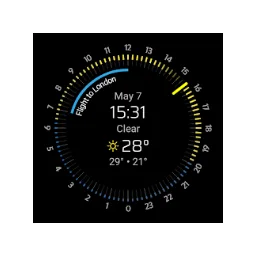
You are viewing weather forecast and upcoming appointments on a Wear OS dial.
You will organize and edit PDF pages with a visual overview.
With ghostwriter, write Markdown with a live preview, focus mode and statistics on your text.
With MarkText, write Markdown while you see headers, lists and other formatting directly in the editor.
With Manuskript you can work out a story in chapters, characters and storylines before exporting it as a document.
With JabRef you manage literature references, link your PDFs to publications and keep up with your BibTeX or BibLaTeX library.