
4.3 · Open source · Linux
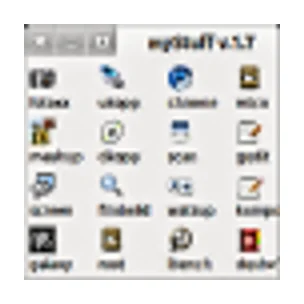
MyStuff lets you organize shortcuts and text in a separate window. You can add files and starters and connect multiple windows.
The menu does not replace the files. If you move a target file, you may also need to change the link.
Get more from MyStuff
A custom start menu is especially useful for operations and files that you often use. Give buttons short, recognizable names and group them by task. A menu that shows everything at once can eventually become less clear than ordinary folders.
Check links after moving files or programs. A button remains dependent on the set path and the rights of your account. Also save your menu settings when you reset the computer.
Version and updates
Version 4.3 (Linux-broncode en pakketten). Released on 06-06-2024.
Who is it for?
Getting started
Privacy
Good to know
Please note
Advantages
- Own classification Files and Apps Together Multiple Menu Levels
Things to consider
- Maintaining links Extra menu next to your desktop
Download MyStuff
The download page opens in a new tab.
Provider’s website · www.kornelix.net
Version history
No previous versions are listed yet.
Report a new version
More from Kornelix

Backwild 2.5
You store selected Linux files on another disk with reusable tasks.

Dkopp 8.2
You create file backups on DVD or Blu-ray and check the medium.

Findwild 3.5
You are looking for Linux files with combinations of names, content and exclusions.

Fotocx 26.8
You manage and edit photos on Linux with tools for corrections, selections and processing of collections.
Our verdict
MyStuff is useful if you want to open a fixed set of projects and programs directly. Keep the first menu small and group less used parts. Check after moving files or links still work. For a few shortcuts, the regular panel can be sufficient.
Ratings
No ratings yet. Share your experience.
Log in to rate this software.
Comments
Share your experience. Comments appear after approval.
No comments yet.